
 English
Varukorg
Din varukorg är tom, men det behöver den inte vara.
Din varukorg är tom, men det behöver den inte vara.
Hampus Niskala |27/10, 2026
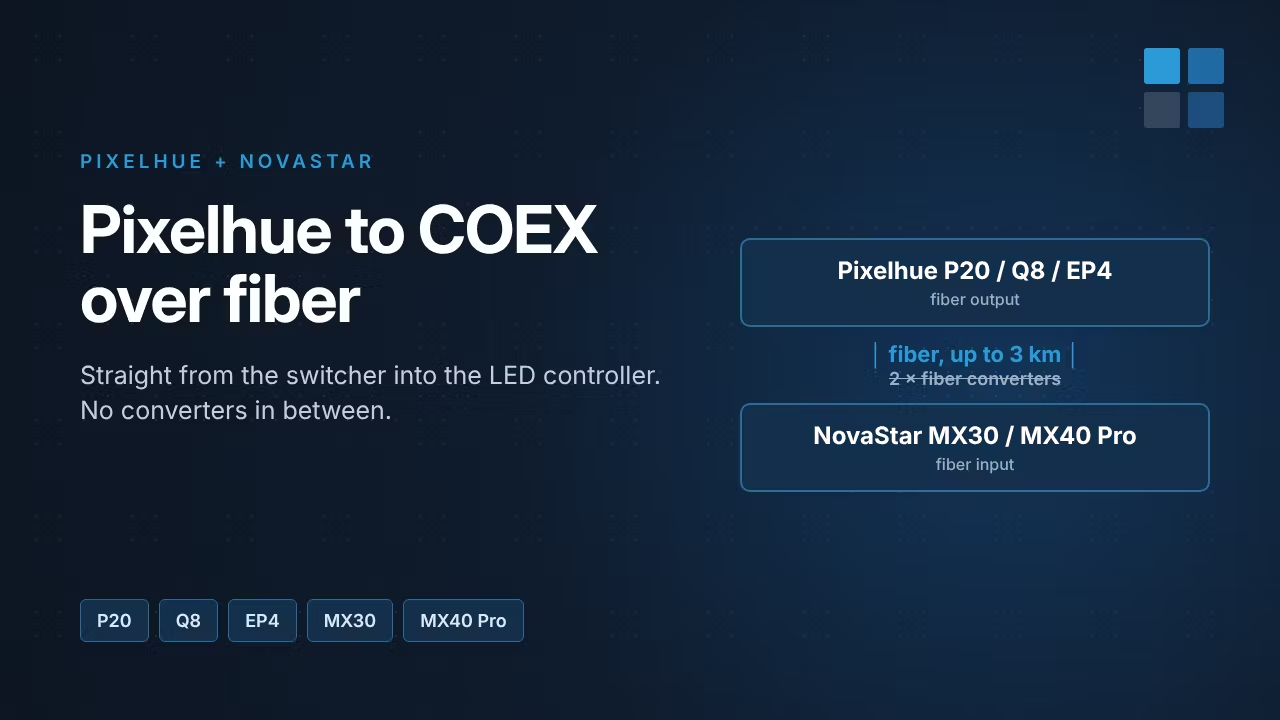
Running video from front of house to an LED screen 200 metres away usually means a fiber link with a converter at each end. With Pixelhue switchers and NovaStar COEX controllers you can skip those converters: the Pixelhue fiber output plugs straight into the fiber port of a NovaStar MX30 or MX40 Pro. Here's how the setup works and what you need.
Once an AV signal has to travel more than about 100 metres, copper stops being an option. The classic fix is a pair of optical-to-electrical converters: one at the source, one at the screen. Every extra box adds cost, power, rack space and one more thing that can fail during a show.
NovaStar and Pixelhue now support a direct, all-fiber link. The Pixelhue device sends video over fiber, and the COEX controller receives it on its own optical port. No converters in between.
| Pixelhue source | Type | NovaStar receiver |
|---|---|---|
| P10, P20, P80 | Presentation switchers with fiber output | MX30 or MX40 Pro |
| Q8 | Modular switcher with fiber output card | |
| EP2, EP4, EP4 Pro | Fiber extenders |
The Pixelhue fiber extenders also handle signals from any source, not only Pixelhue switchers:
The link carries 10-bit video, HDR and 3D, and supports HDCP 2.2 (and 1.4).
We sell both Pixelhue and NovaStar, so we can quote the whole chain: switcher or extender, COEX controller, optical modules and fiber. Pixelhue products are quoted on request. Tell us your sources, screen size and cable distance, and we'll put the system together.
Browse Pixelhue → · Browse NovaStar COEX →
Source: NovaStar COEX Wiki, PIXELHUE and COEX Total Fiber Solution.