
 English
Varukorg
Din varukorg är tom, men det behöver den inte vara.
Din varukorg är tom, men det behöver den inte vara.
Hampus Niskala |27/10, 2026
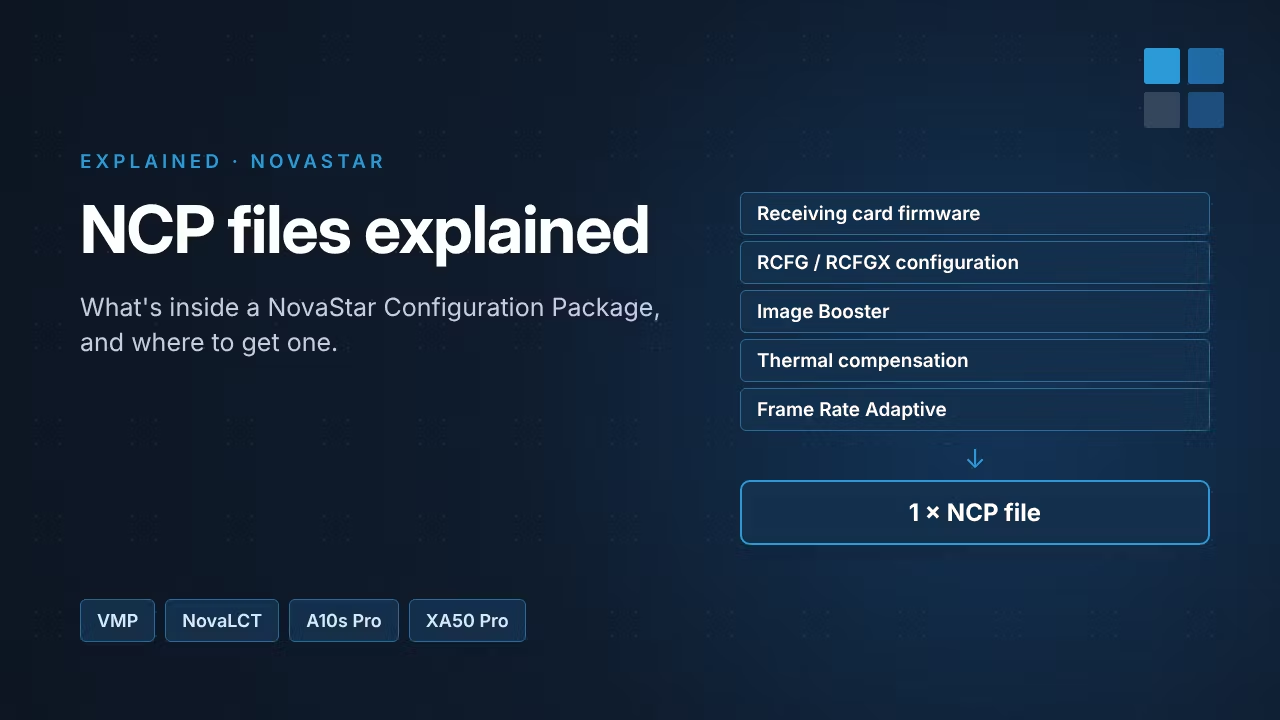
If you've set up a NovaStar COEX controller, you've probably been asked for an NCP file. It replaces the separate RCFG configuration files and receiving card firmware you may know from older NovaStar systems. This guide explains what an NCP file is, where to get one and how to load it.
NCP stands for NovaStar Configuration Package. It's a single file that holds everything a receiving card needs to drive a specific LED cabinet correctly. It can contain:
With separate files, it was easy to end up with the wrong firmware for a configuration, or to lose custom settings when someone loaded an older RCFG. Packing everything into one file keeps the firmware, configuration and cabinet-specific files matched. It also means far fewer files to keep track of when you run many different cabinet types.
NCP files are made by NovaStar together with the LED manufacturer. Building one involves collecting the cabinet's details, creating the module and cabinet files, setting display modes and image settings, and a joint acceptance test. That's why you can't simply make one yourself in the software.
In practice: ask the manufacturer of your LED cabinets for the NCP file. If your cabinet doesn't have one yet, the manufacturer can request it from NovaStar (usually through an NCP adjustment application form).
You'll find VMP and NovaLCT on our NovaStar software page.
Replacing a failed receiving card? Load the same NCP onto the new card so it matches the rest of the screen. We stock NovaStar receiving cards in Sweden: order in-stock items by 14:00 CET for same-day UPS Express, with delivery in 1–2 days across the EU and no import duties.
Source: NovaStar COEX Wiki, NCP File.