
 Svenska
Cart
Your cart is empty, but doesn't have to be..
Your cart is empty, but doesn't have to be..
Hampus Niskala |27/10, 2026
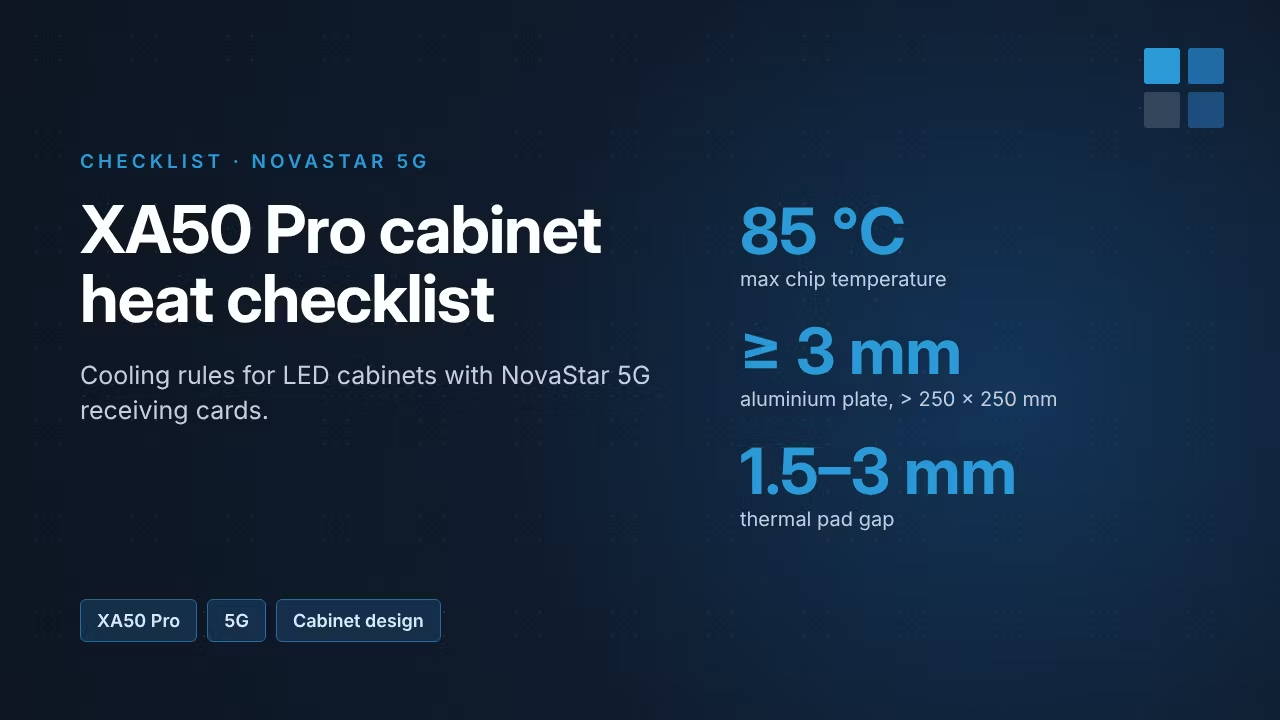
NovaStar's 5G receiving cards do a lot more work than a classic 1G card. The XA50 Pro handles a 5 Gbit/s link and up to 512 × 1024 pixels, and that means more heat in a smaller space. For LED cabinet designers and service teams, cooling isn't optional: it has to be part of the cabinet design. This checklist sums up NovaStar's guidelines.
| Component | Power (at 25 °C ambient) | Max chip temperature | How it's cooled |
|---|---|---|---|
| FPGA (main processor) | 5 W | 85 °C | Thermal pad to an aluminium plate or the cabinet shell |
| PHY (5G network chip, on the HUB board) | 2.5 W | 85 °C | Contact with the shell plus its own aluminium heat-sink fin |
| SDRAM | 0.5 W | 85 °C | Cooled together with the receiving card |
Remember that the air inside a closed cabinet is always warmer than the room. A card that's fine on the bench can overheat inside the cabinet.
If the heat path is broken, the chips pass 85 °C quickly. With thermal parts missing, they can go above 90 °C and be permanently damaged. Before that, the card's protection may kick in and the screen can show abnormal images.
Designing a new 5G cabinet? NovaStar can review the cooling design if you provide the cooling method and the expected internal and ambient temperatures. Contact us and we'll help you get in touch.
A 5G system needs more than the receiving card: a 5G controller such as the CX40 Pro, or 5G fiber converters like the CVT8-5GS, and the right cable. Read our guide to cabling for NovaStar 5G.
Pixel Pitchers ships NovaStar from Sweden: order in-stock items by 14:00 CET for same-day UPS Express, with delivery in 1–2 days across the EU and no import duties.
Source: NovaStar COEX Wiki, 5G Receiving Card (XA50 Pro) Heat Dissipation & Part-Replacement Guidelines.