
 Svenska
Cart
Your cart is empty, but doesn't have to be..
Your cart is empty, but doesn't have to be..
Hampus Niskala |10/11, 2026
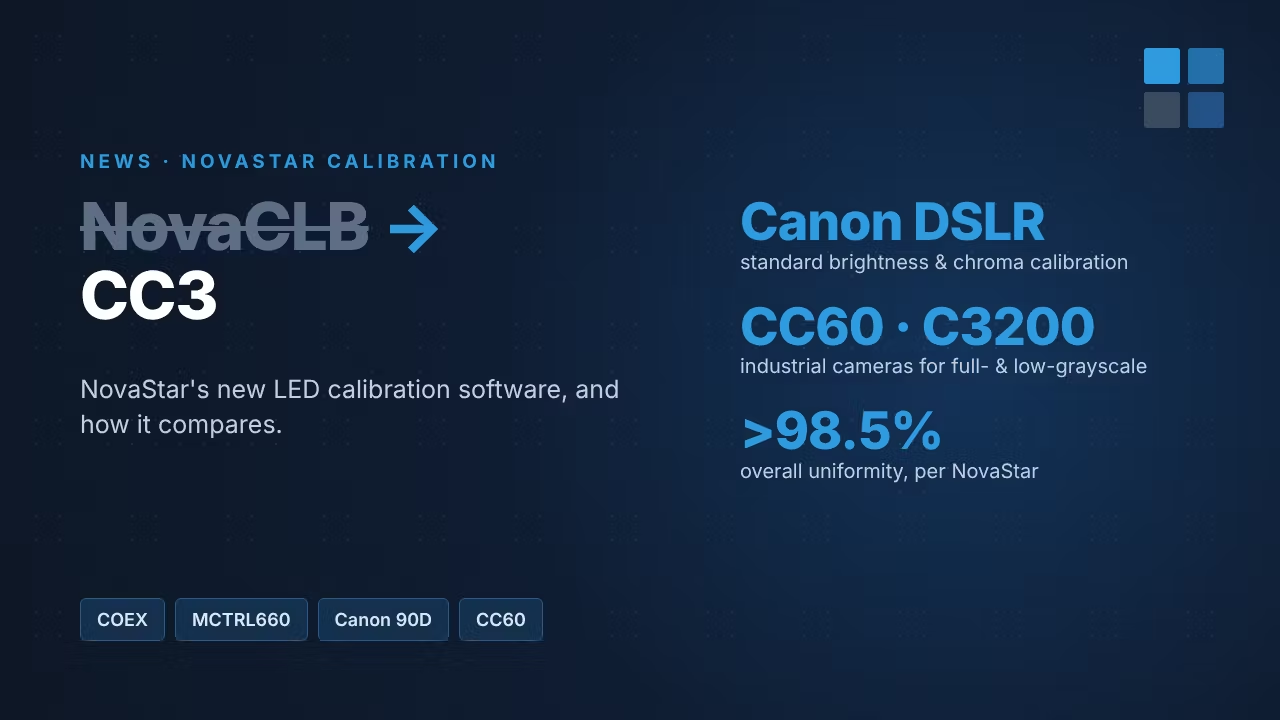
For years, NovaCLB-Screen was the NovaStar software for camera calibration of LED screens. That has now changed: NovaStar directs customers to its new calibration software, CC3, instead of NovaCLB. Here is what CC3 is, which cameras it works with, which controllers it supports, and what our own engineer learned using it.
CC3 is NovaStar's current calibration solution for LED displays. Like NovaCLB, it uses a camera to measure the brightness and colour of every pixel, then calculates correction coefficients that are saved to the LED modules. The result is an even screen with no patchy cabinets, visible module batches or colour casts. NovaStar quotes more than 98.5% overall uniformity, and CC3 is built with fine-pitch, Mini LED and Micro LED screens in mind.
CC3 covers both cabinet calibration (calibrating single cabinets, for example in production) and full-screen calibration (calibrating the finished, installed screen).
| NovaCLB-Screen | CC3 | |
|---|---|---|
| Status | Replaced: NovaCLB dongles now ship with CC3 | NovaStar's current calibration software |
| Calibration types | Brightness and chroma calibration | Brightness and chroma calibration, plus high-precision, full-grayscale and low-grayscale calibration |
| Cameras | Canon DSLR | Canon DSLR, or NovaStar industrial cameras (CC60, C3200) |
| Control systems | MCTRL and older NovaStar systems | COEX controllers, and older MCTRL systems |
| Best for | Standard SMD screens | Everything from standard SMD to fine-pitch, COB and Mini/Micro LED |
CC3 gives you two camera routes.
Standard brightness and chroma calibration works with a Canon DSLR. The advanced modes need a NovaStar industrial camera:
Rule of thumb: for standard SMD screens a DSLR is usually enough. For COB, fine-pitch broadcast, xR or high-end rental screens where dark content and camera shots matter, plan for an industrial camera.
CC3 is made for NovaStar's COEX platform, for example the KU20 and MX40 Pro with A10s Pro receiving cards. On COEX, calibration coefficients are managed in VMP.
It is not only for new systems. CC3 also works with older MCTRL systems: we have used CC3 ourselves to calibrate a screen running on an MCTRL660. So if you have an existing MCTRL installation that needs recalibrating, you don't need to switch controllers first.
Ordering hasn't changed. You still order a NovaCLB license dongle, and the software delivered with it is automatically upgraded to CC3. Choose the version that fits your work:
All three are available in our shop: NovaCLB (CC3) calibration software →
A Canon DSLR does the job, also on fine-pitch screens. But expect it to be slower. On fine pitch our engineer had to:
For a one-off job on a mid-pitch screen, a Canon is a cost-effective choice. If you calibrate fine-pitch screens often, an industrial camera saves a lot of time on site, and unlocks full- and low-grayscale calibration.
NovaStar's own overview of CC3, cameras and calibration modes is on the COEX Wiki: NovaStar Calibration Solution. Related reading: NovaStar Adaptive Thermal Compensation, which keeps a calibrated screen's colour stable as it heats up, and our NovaStar software downloads.
Planning a calibration, or unsure whether your screen needs an industrial camera? Contact us and we'll help you choose. Pixel Pitchers ships NovaStar from Sweden: order in-stock items by 14:00 CET for same-day UPS Express, with delivery in 1–2 days across the EU and no import duties.
Browse NovaStar COEX controllers →
Source: NovaStar COEX Wiki, NovaStar Calibration Solution, and our own experience with CC3.